Alumigraphics GRIP Floor Graphics Film
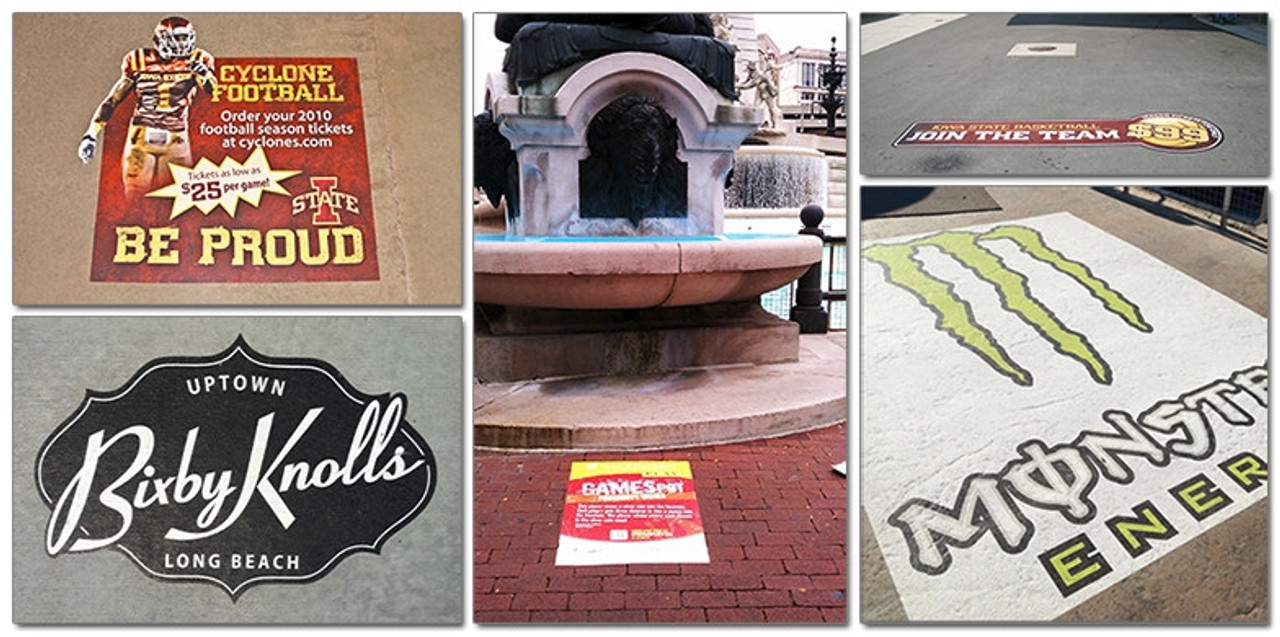
AlumiGraphics® can be cut with ease using scissors, die-cutters or plotter-cutters. Images look like they're painted directly to the surface they're applied to turns ordinary concrete into brilliant concrete graphics and turns asphalt into works of art! And remember, AlumiGraphics® GRIP surpasses anti-slip safety standards, both when wet or dry.
Features & Benefits:
- Rugged aluminum foil base material conforms and holds to the texture of the surface it's applied to
- High Durability - holds up to heavy pedestrian traffic, rolling vehicle and all types of weather
- Wider material for better yield - 53" of completely usable space for edge-to-edge printing capability
- Print direct to the anti-slip surface - NO OVER-LAMINATES
- Unique high friction surface provides exceptional anti-slip stability that meets Occupational Health and Safety standards in both dry and wet conditions
- Reflective surface makes graphics highly visible at night
- For use on large format digital prints: UV curable, latex and solvent...even screen printing!
- Aggressive pressure sensitive adhesive perfectly balances strength and tack
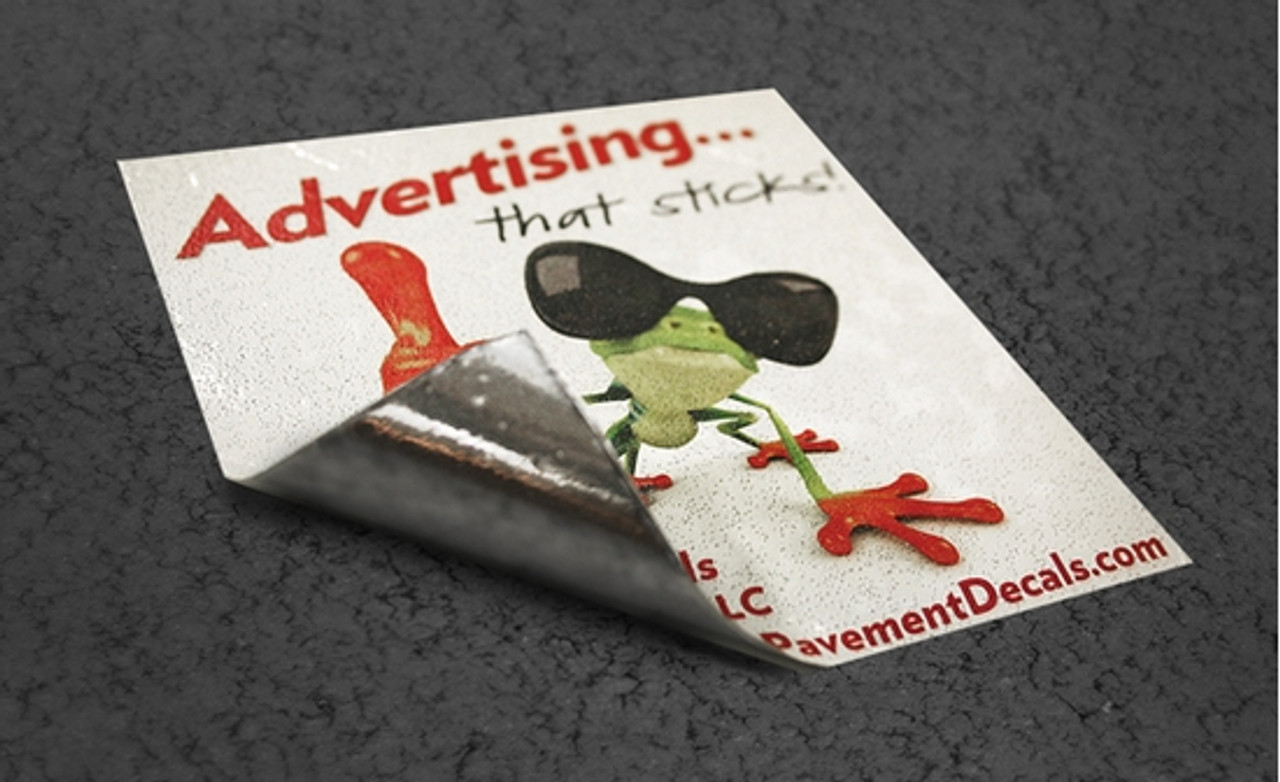
- Simple peel and stick installation, just sweep and press on
- Typically no residue remains on the surface with peel-off removal
- Environmentally friendly - no PVC or hazardous ingredients, dispose with aluminum recycling
- Simply a better value...lower price point than alternatives without sacrificing quality
- Made in the USA
Applications:
- Sidewalks & Walkways
- Entrances & Vestibules
- Stairs, Aisles & Rows
- Elevator & Escalator Entries
- Parking Spaces & Curbs
- Patios & Courtyards
- Factory & Warehouse
- Concourse & Landings
- Exterior Walls & Facades